
CAPTAINS COLLECTION · Google Play publisher
HD Video Downloader Pro
One Android app that carries a downloader, a reels and status saver and a video player. Paste a link or find the media in the built-in browser, choose the quality you want, and keep the file to watch offline.
Speak to the publisher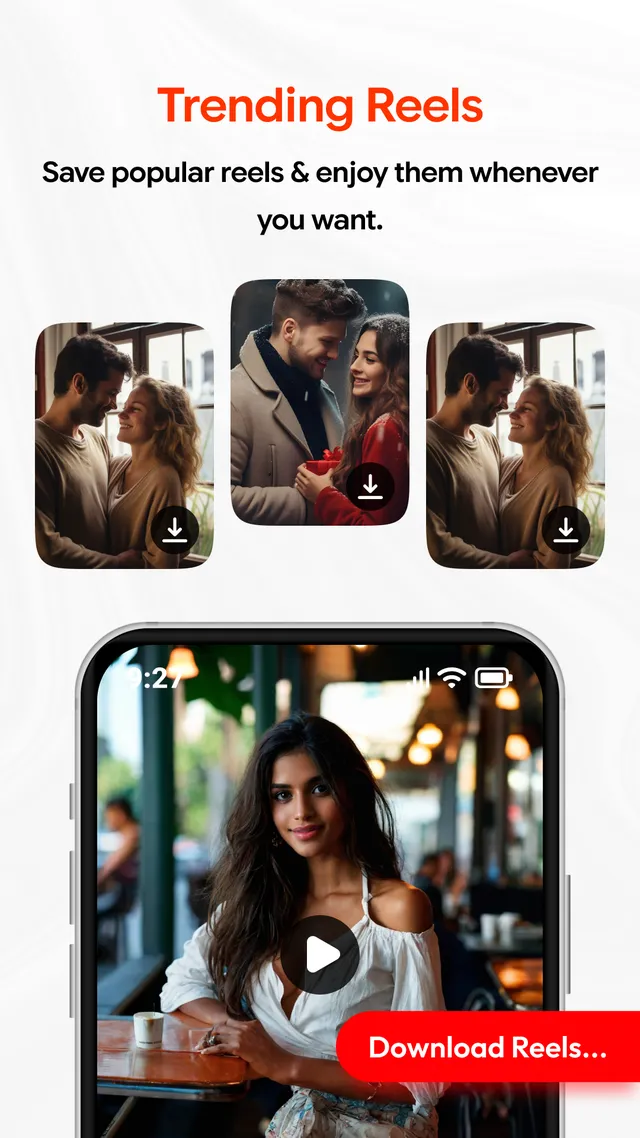
 Quality options
Offline player
Quality options
Offline player
The routine
Four moves, link to saved file
-
Reach the video
Open a supported page in the built-in browser, or copy the link from wherever you came across the video. Both routes arrive at the same field inside the app.
-
Paste the address
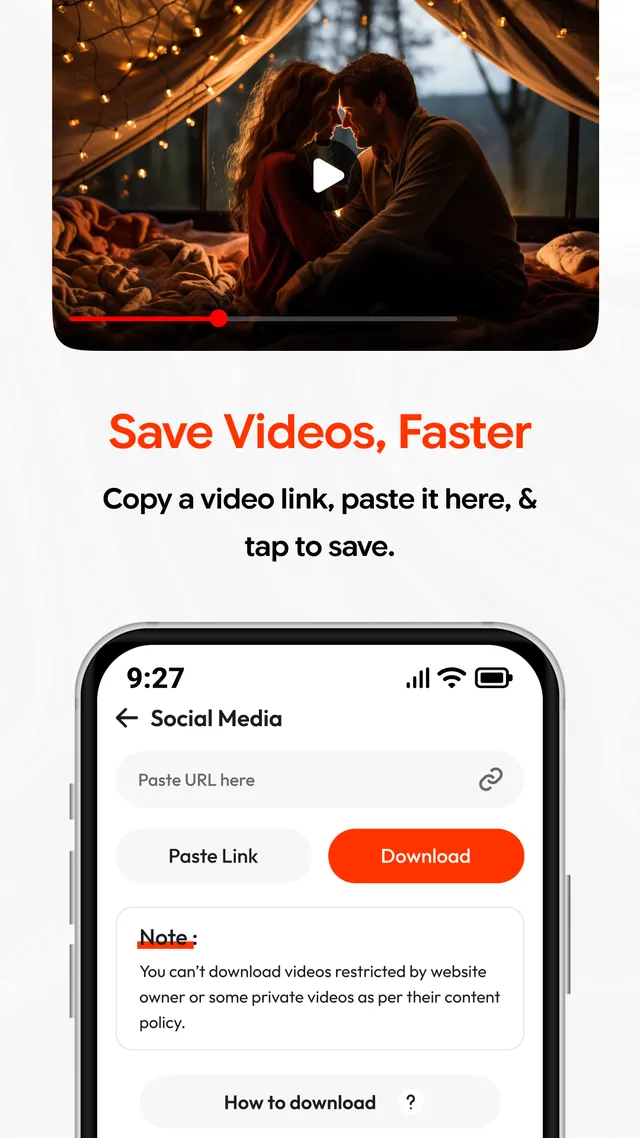
Drop the URL into the paste field and let the app read it. What is available at that address is detected and offered back to you.
-
Set the quality
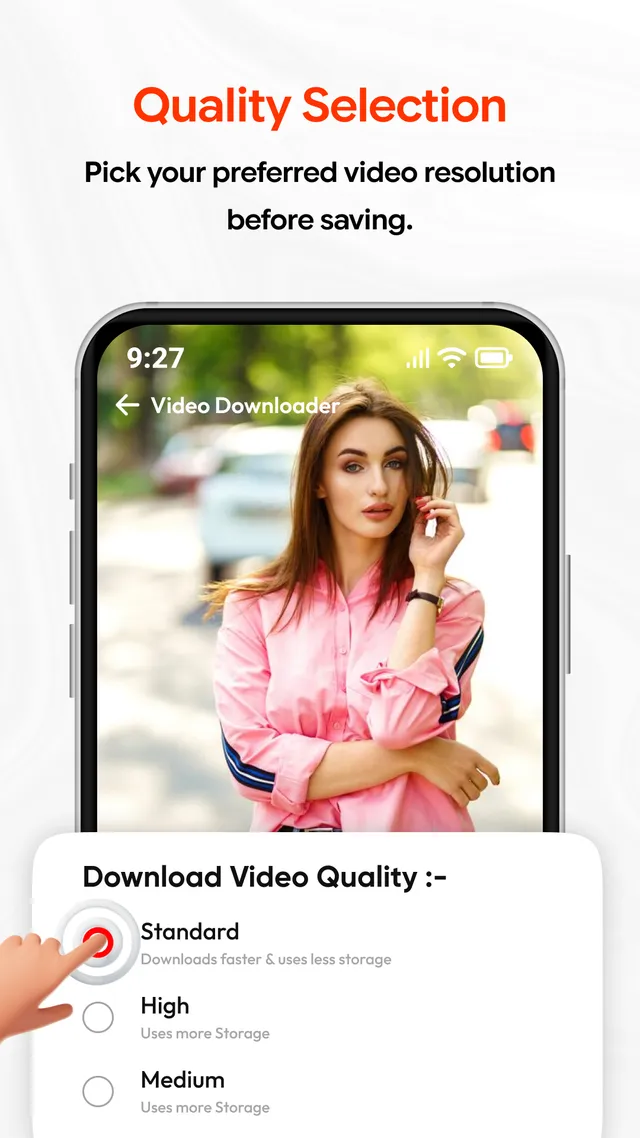
The sheet lists Standard, High and Medium, each with its storage trade-off. Take a lower one for a quicker download and a smaller file, or a higher one where the source allows it.
-
Download, then watch
Tap Download and the transfer carries on in the background. Finished files land in the download manager and open in the app's own player, with no connection needed.
Downloading responsibly
Save only material you own or have permission to download, and follow the terms and content policies of the site you are using. Private, protected, restricted or copyrighted media may not be available at all, and what a source offers can change without notice. HD Video Downloader Pro is not affiliated with, endorsed by or sponsored by any platform its browser can reach. Read the responsible-use notes.
Inside the app
Five parts, one install
The quality is yours to pick
HD downloading with more than one option on the table. Choose a lower quality when you want the file sooner and want it to take less room, or a higher one when the source makes it available. Transfers keep running in the background, and the download manager holds the queue and the finished files in one place.
A browser that stays in the app
Look for media on supported websites without switching to another app. When you already hold the address, copy it in and paste it into the download field instead.
Reels and short video
Browse short-form clips in the app, let the video be detected, settle on a quality and save it. Each thumbnail in the grid carries its own download button.
Status saver
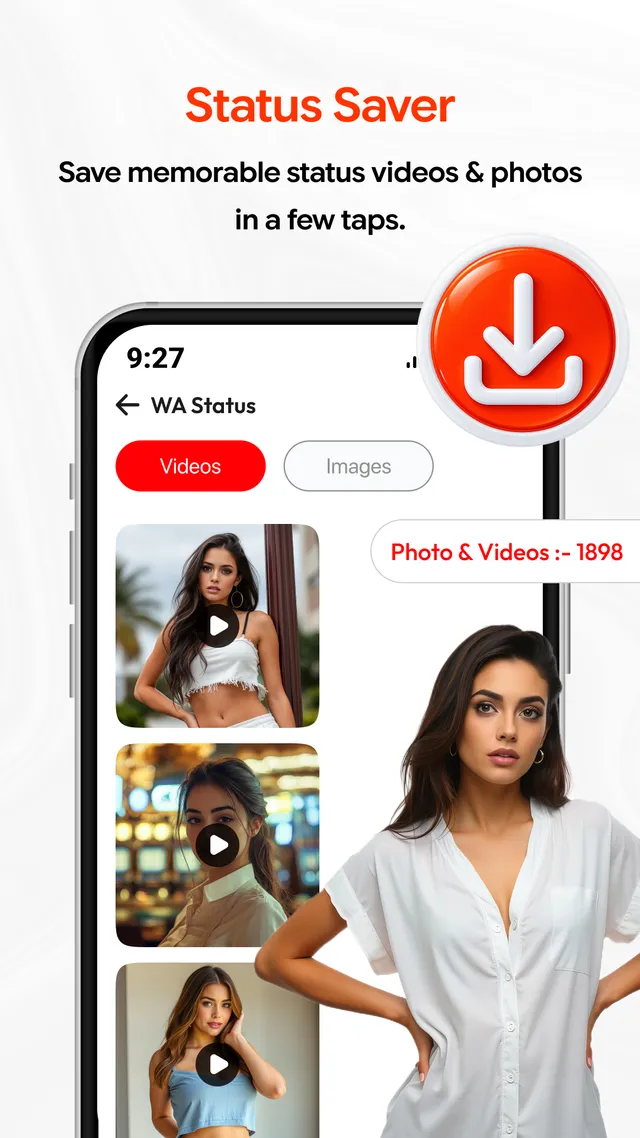
Supported status photos and videos are gathered under Videos and Images tabs, so a status you have been shown can be kept on the device.
A player included
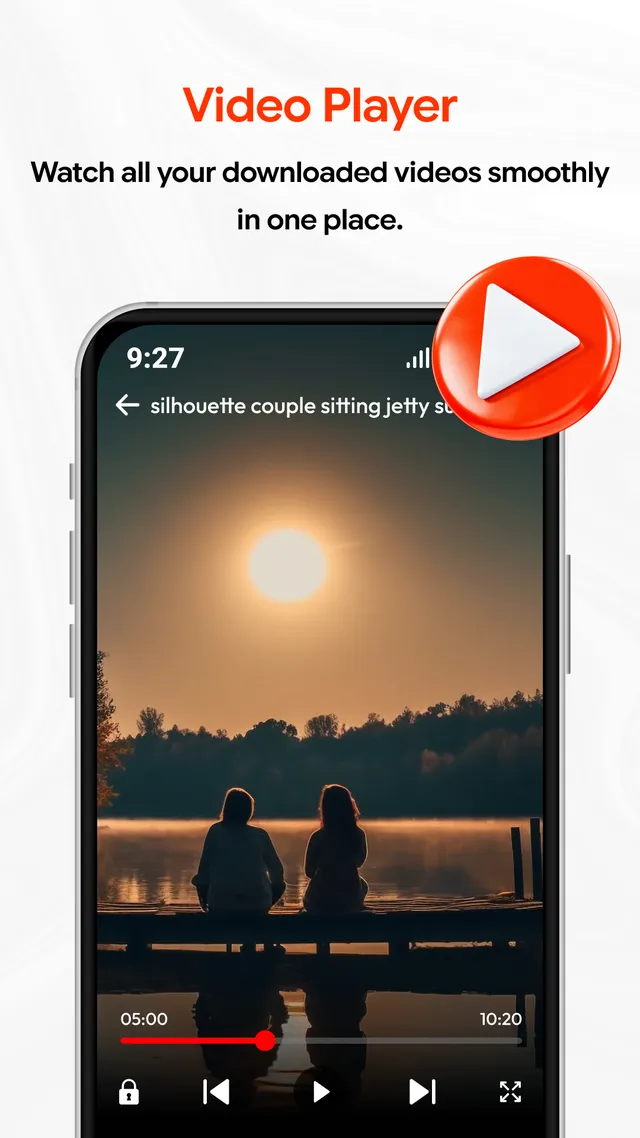
Saved videos open in the built-in player, so nothing else has to be installed to watch them. Playback runs offline once the file is on the device.
Screenshots
What the screens look like
Data safety
Three lines, and nothing behind them
- No data is collected
- No data is shared with third parties
- Data is encrypted in transit
That is the whole of the Data safety section on the Play listing for HD Video Downloader Pro, as declared by CAPTAINS COLLECTION. Should the declaration ever be revised, this page is revised with it.
App details
The listing in brief
- Platform
- Android, distributed only through Google Play
- Price
- Free to install, contains ads
- Category
- Video Players & Editors
- Content rating
- Everyone
- Last updated
- Aug 31, 2026
Advertising disclosure
The app is free to install and carries advertising from third-party networks. CAPTAINS COLLECTION is the advertiser of record and takes no payment from users. What the app declares about data is set out in the privacy policy.
Get HD Video Downloader Pro on Google Play
Free to install, supported by advertising, and published for Android through Google Play alone.